cTrader with 333 Markets
Use cTrader to arrange charts, place orders and monitor positions. Connect your 333 Markets account to the supported application for your device.
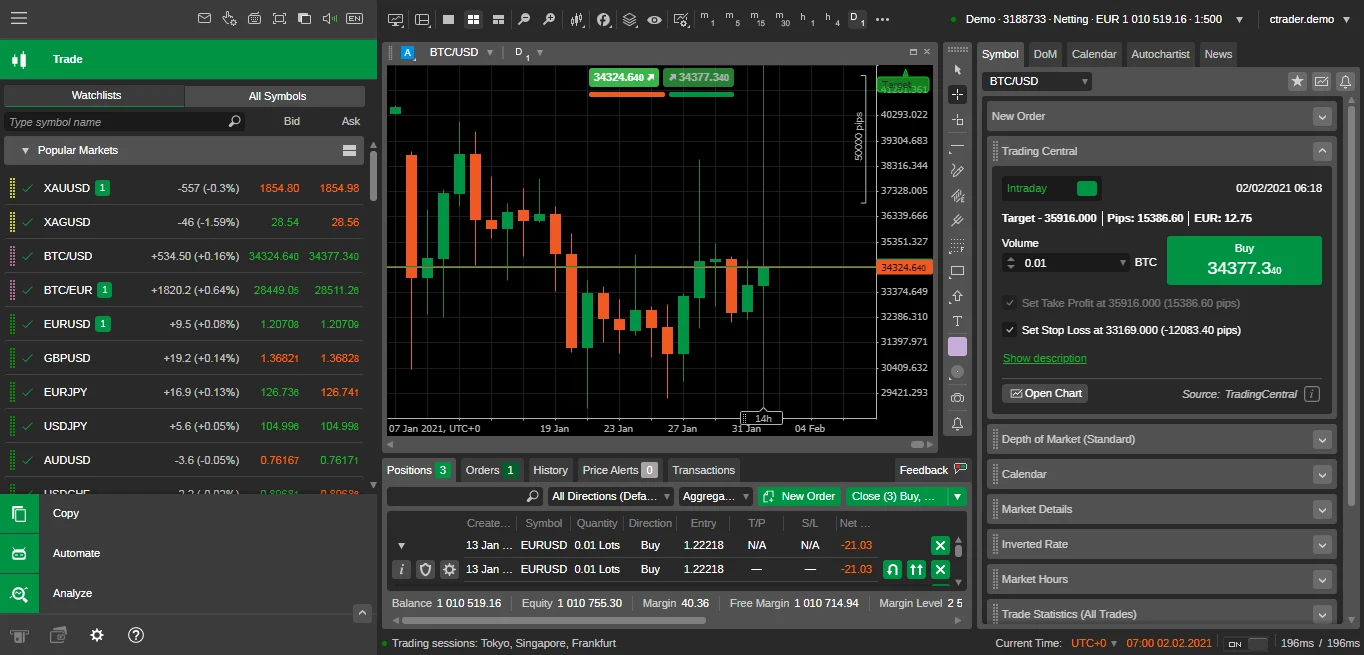
Charts and position management
Customise chart layouts and indicators around the instruments you follow. Review orders and open positions from the same workspace.
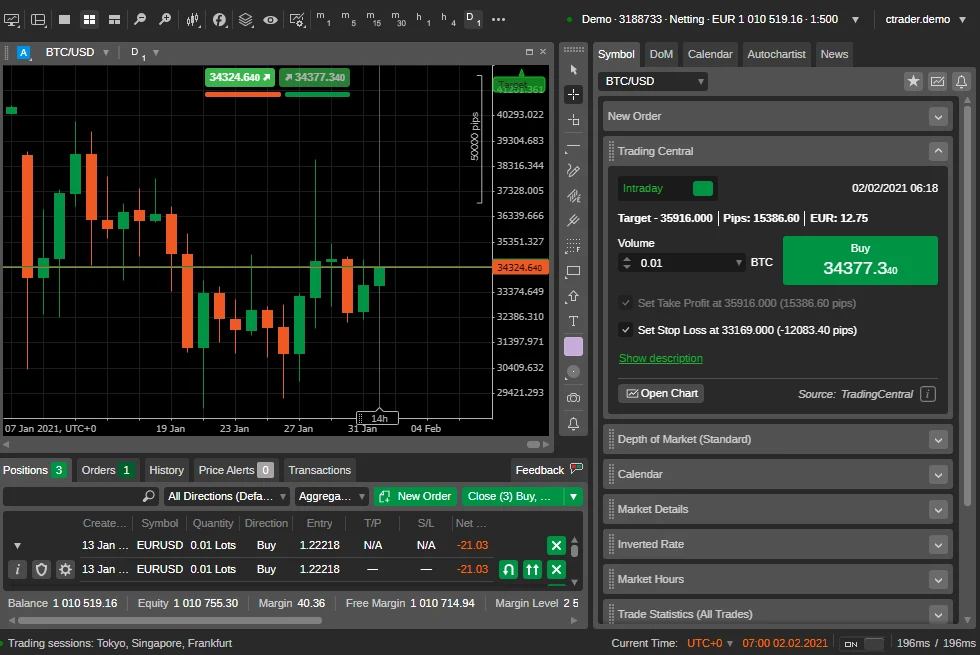
cTrader Algo
cTrader Algo supports cBots and custom indicators developed in C# or Python. A cBot performs operations according to its code and settings. Review and test the strategy before running it with live funds.
- cBots and custom indicators
- Developed in C# or Python
- Review and test before running live
Access cTrader
Sign in to cTrader with the details we send when your account is approved. Use the desktop app, trade in your browser with cTrader Web, or use the mobile apps. The instruments and terms available depend on your account.
- DesktopWindows and macOS
- WebAny modern browser
- iOSiPhone and iPad
- AndroidPhones and tablets
Check account availability
View the account and instrument combinations available on cTrader. Features can differ between desktop, web and mobile applications.