MetaTrader 5 with 333 Markets
Use MT5 to follow instruments, review charts and manage orders from your trading account. The platform supports manual trading and automated strategies through Expert Advisors.
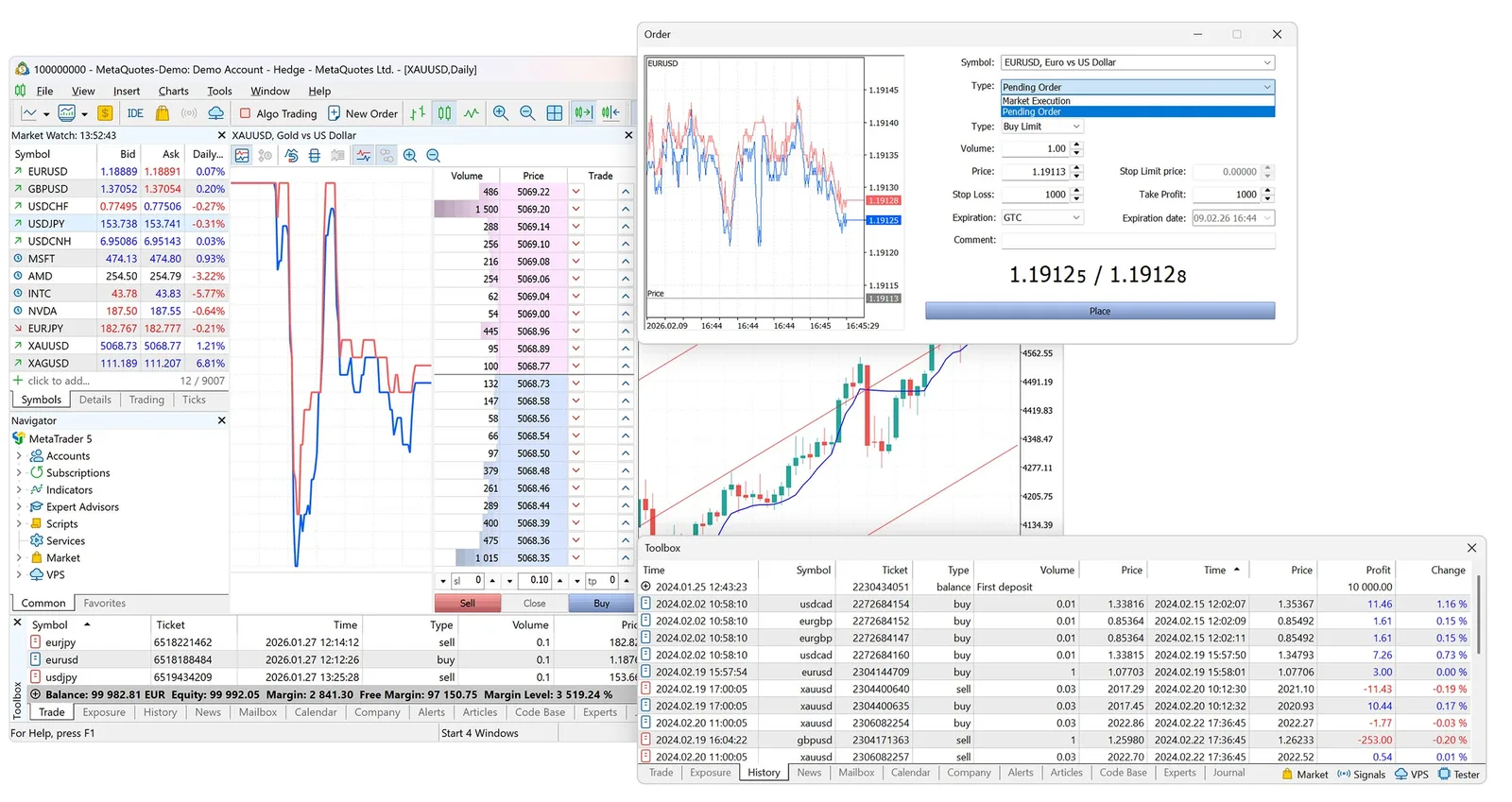
Charts and orders
Arrange charts, compare timeframes and add technical indicators. View open positions, pending orders and account history alongside your analysis.
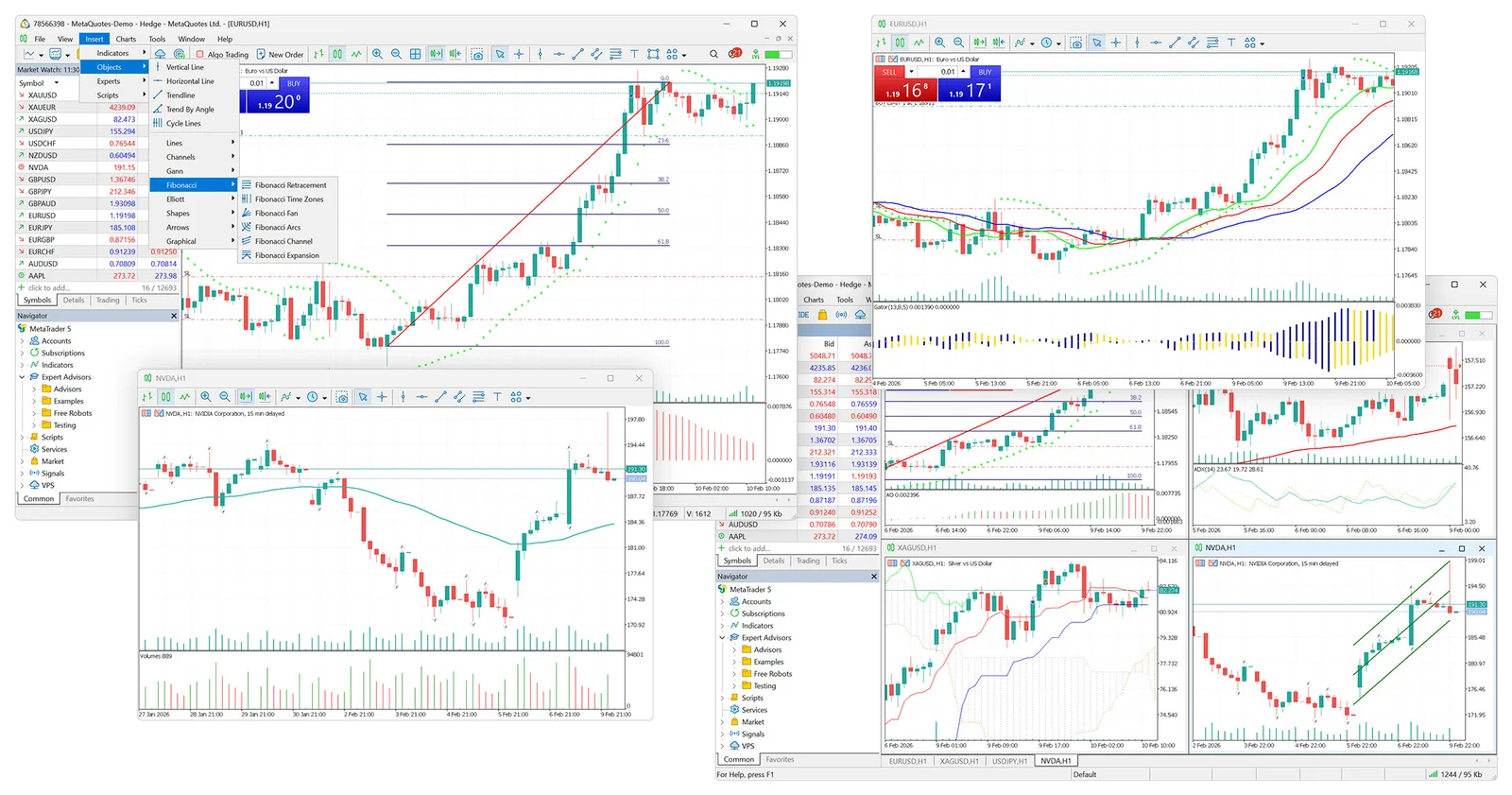
Expert Advisors and testing
Expert Advisors use MQL5 to carry out trading rules. The desktop Strategy Tester lets you test and optimise an Expert Advisor using historical data. Historical results do not establish future returns.
- Expert Advisors written in MQL5
- Desktop Strategy Tester
- Test and optimise with historical data
Access MT5
Sign in to MetaTrader 5 with your account number, password and the 333 Markets server we send when your account is approved. Use the desktop terminal, the web terminal or the mobile apps. The instruments and terms available depend on your account.
- DesktopWindows and macOS
- WebAny modern browser
- iOSiPhone and iPad
- AndroidPhones and tablets
Review the account terms
Check available account types, trading costs and instrument specifications before opening a live account.